ResumeAtlas is one site for the whole resume problem: build from a free ATS template or from scratch, fix formatting, check how an ATS parses your file, tailor it to a posting, and get an Apply / Optimize / Skip verdict. Nine tools, all free to use with no signup. Pay once per tool to download.
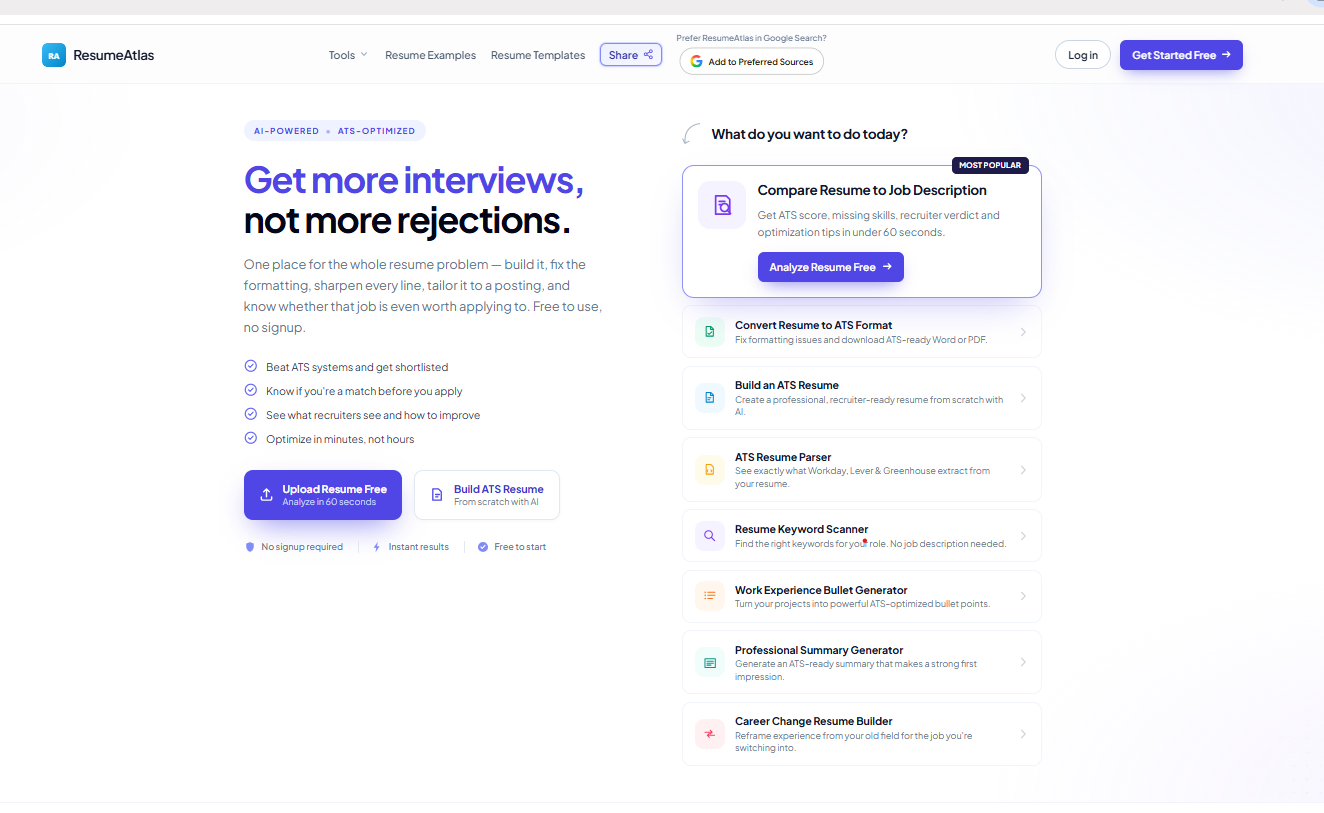
ResumeAtlas is one place for the whole resume problem. Most job seekers end up paying for three or four subscriptions a builder, a keyword scanner, an ATS checker, a tailoring tool. ResumeAtlas covers the whole path in one site, and none of it is a subscription.
Nine tools, and you start wherever your problem actually is:
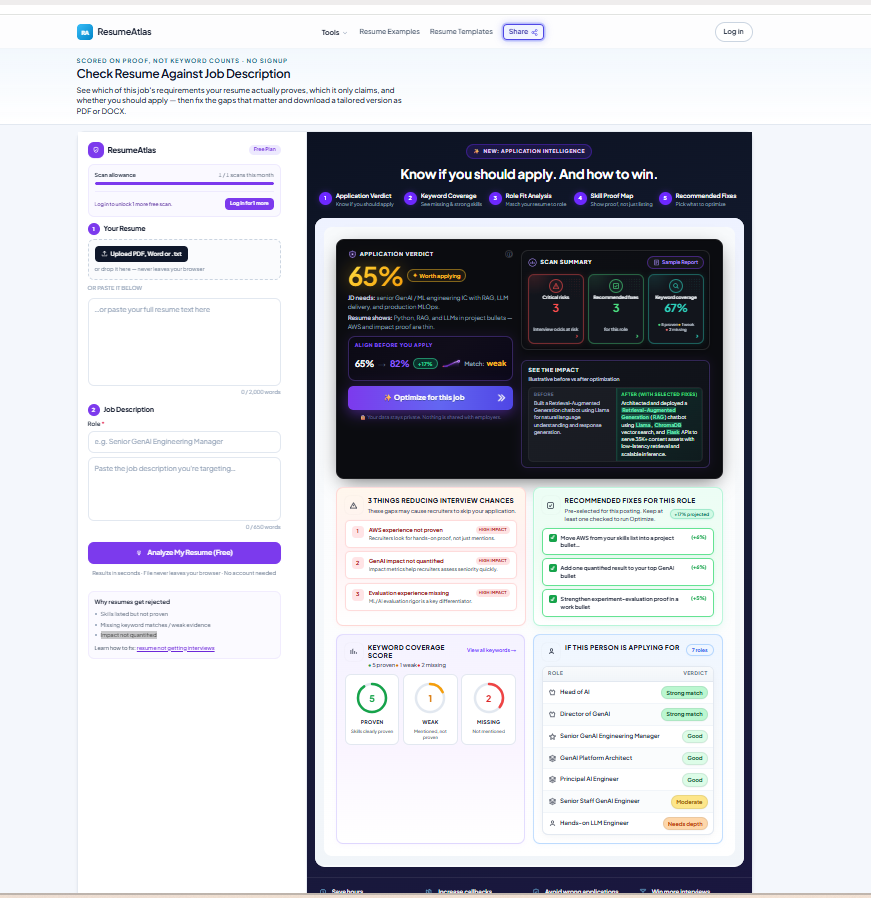
• Compare Resume to Job Description — an Application Verdict (Apply / Optimize First / Skip) for one posting, the critical reasons you'd be rejected, and your shortlist odds
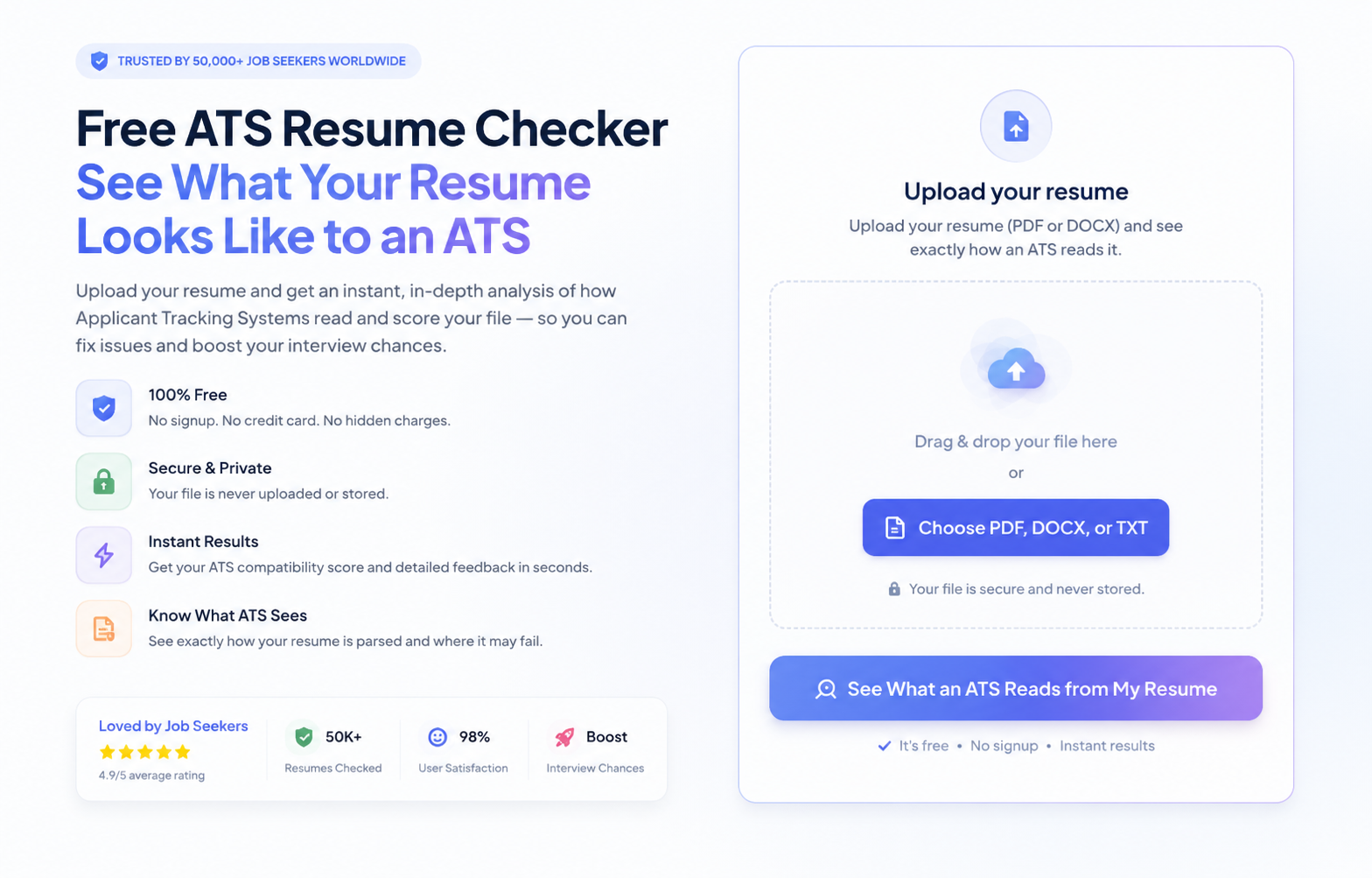
• ATS Resume Checker & Parser — see the exact profile screening software builds from your file, plus a 12-point parsing score
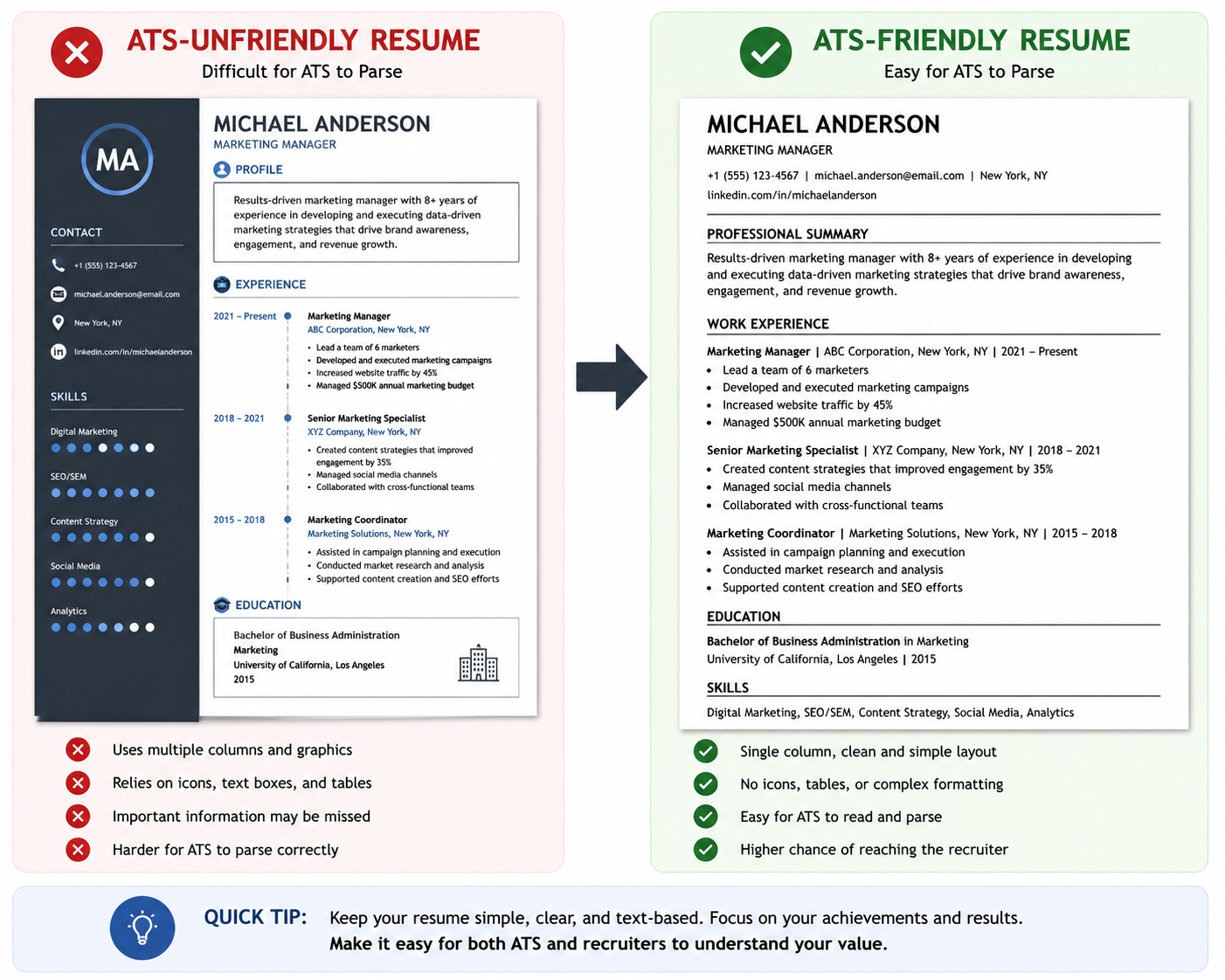
• ATS Resume Converter — rebuilds a multi-column, table-heavy resume as single-column and parseable, your wording untouched
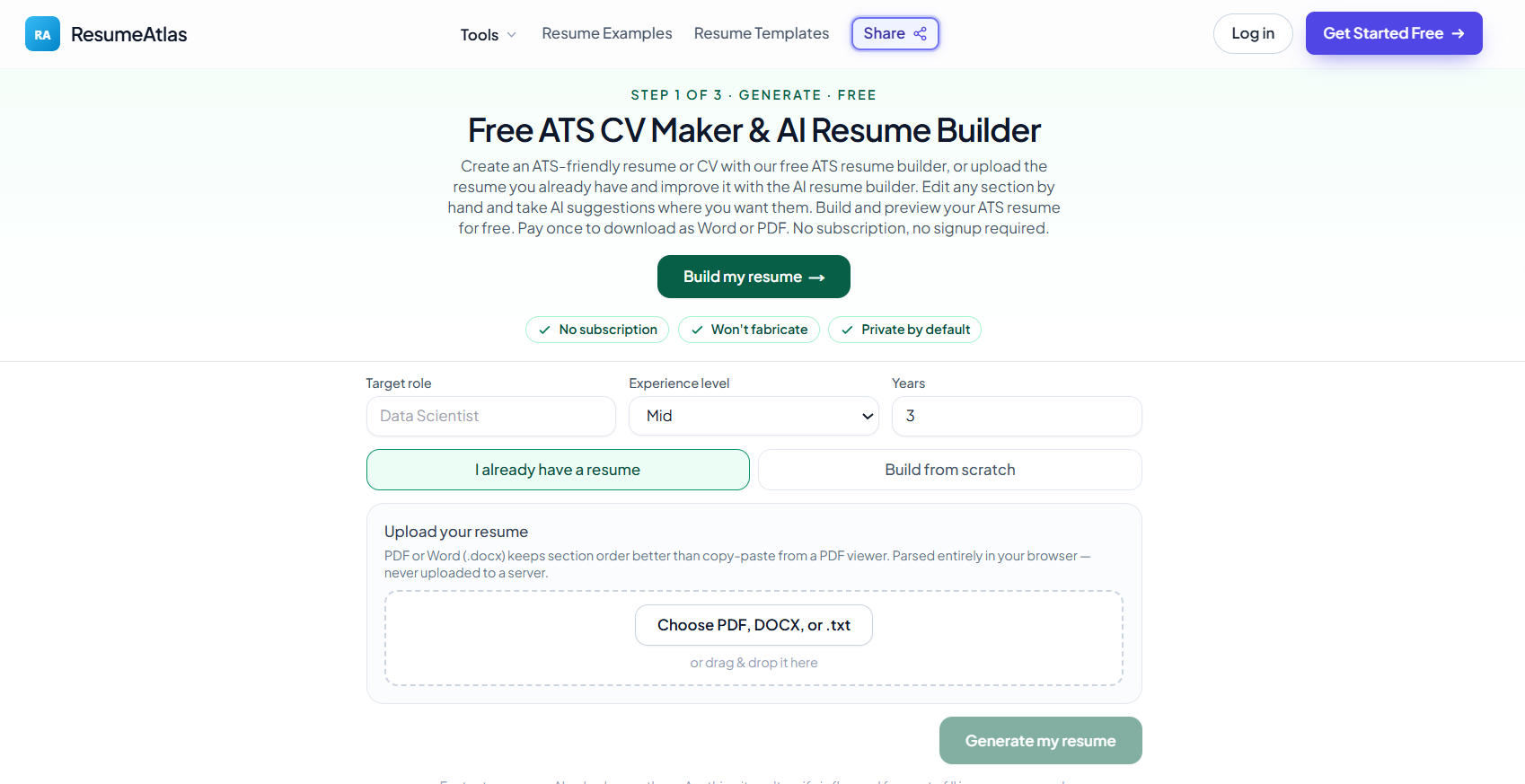
• ATS Resume Builder — build from scratch, from the resume you already have, or from a free role template
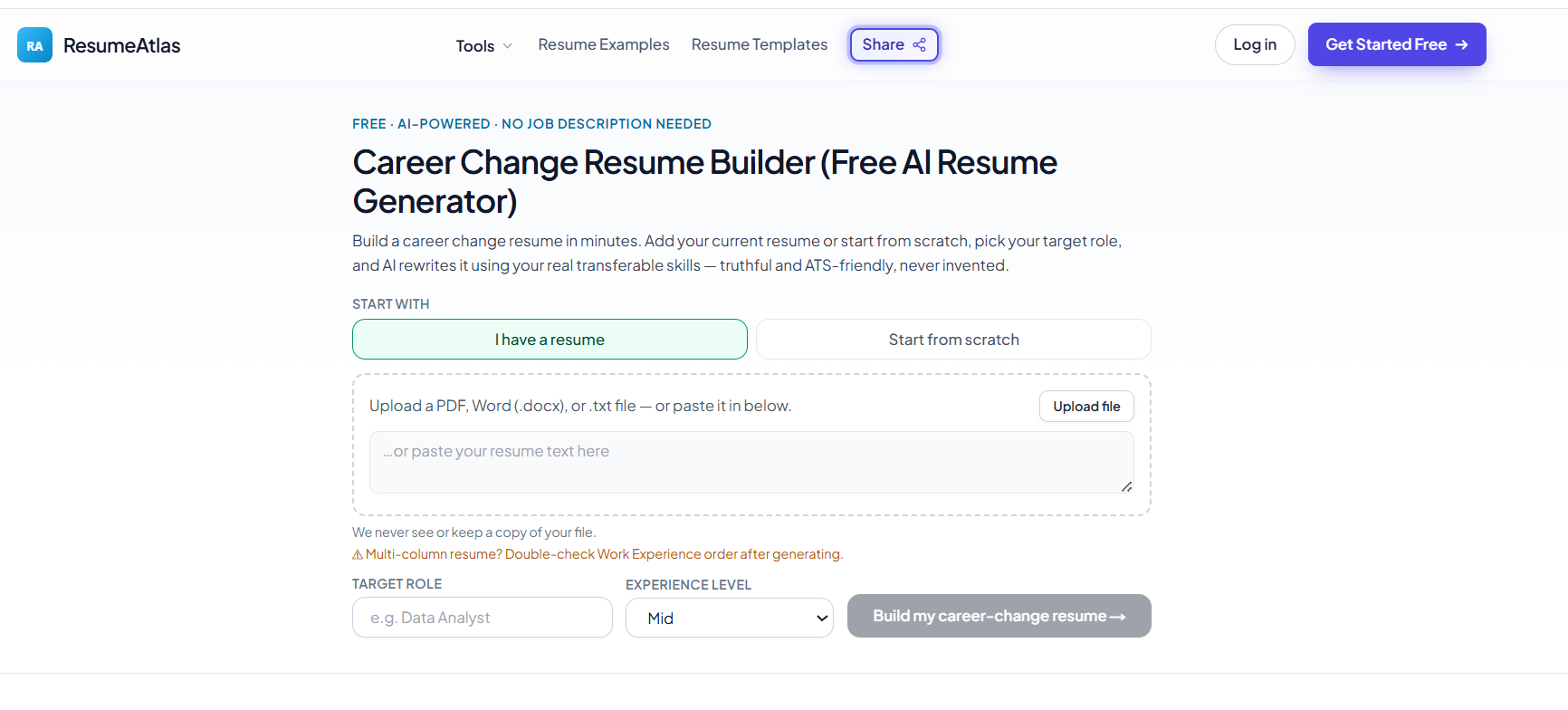
• Career Change Resume Builder — reframes your existing experience as evidence for the new field
• Tailor Resume to Job Description — rewrites only the lines your real work supports, and marks every change
• Resume Keyword Scanner — the keywords a specific posting actually screens on
• Work Experience Bullet Generator — turns duty-style bullets into quantified accomplishments
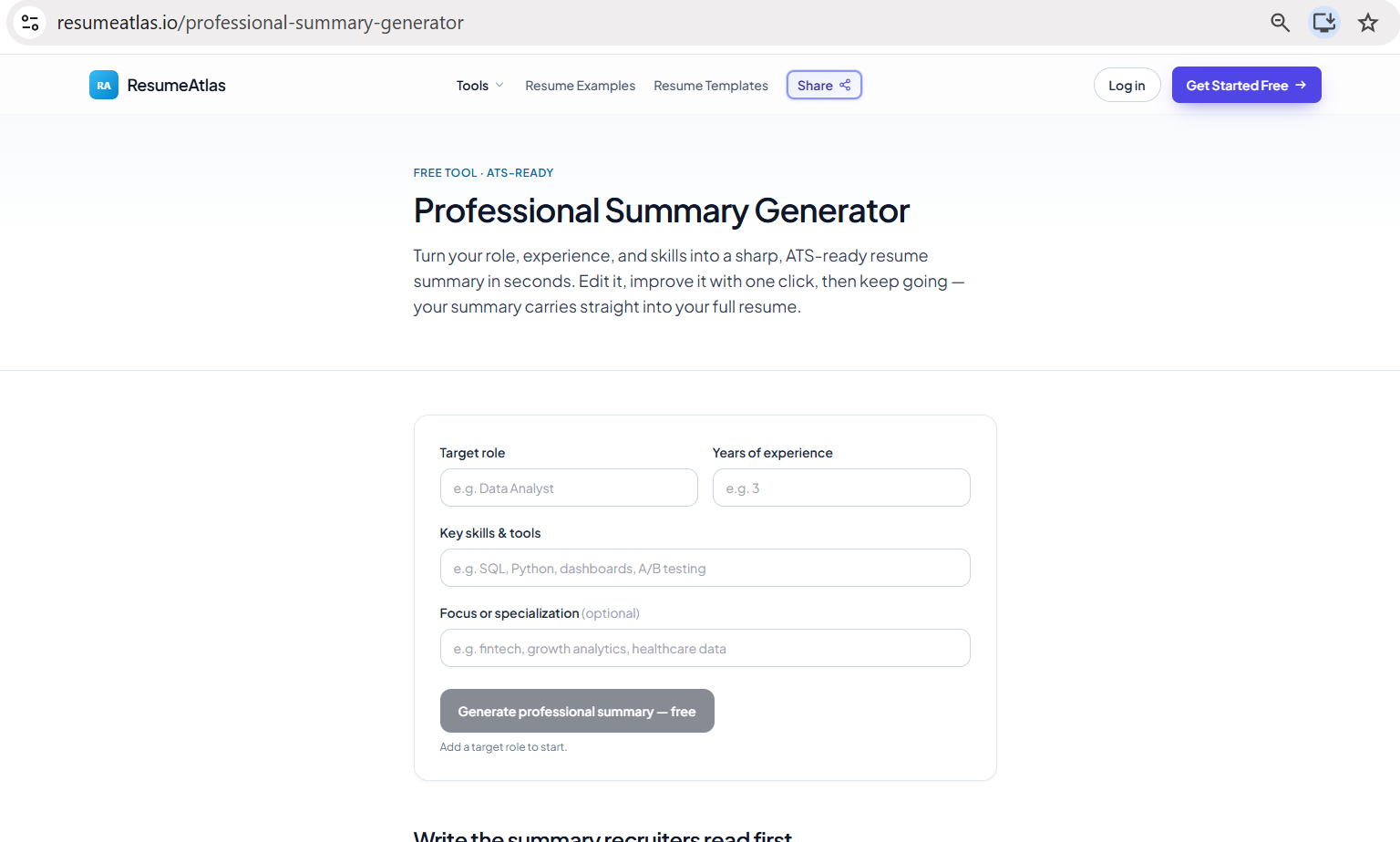
• Professional Summary Generator — free start to finish, hands the summary straight to the builder
Plus a free ATS template library: a generic template and 32 role-specific ones (entry, junior, senior) in Word and plain text, that open directly in the builder.
Pricing: every tool is free to run no account, no card and you see the complete result on screen. You pay once, for the one tool you used, only to download the finished file ($1.99–$4.99). Nothing renews and there is nothing to cancel.
The AI reframes what you actually did. It never invents a skill, tool, or outcome your resume does not already support.
Select tools to compare (max 3):
| Feature |
|
|---|---|
| Pricing Model | Free + Paid |
| Starting Price | Free |
| Free Tier | ✓ Yes |
| Verified Listing | ✕ No |
| Category | Productivity |
| Platform | Web,iOS,Windows,macOS,Chrome Extension |
| Visit | Open → |
💡 Data sourced from tool listings and user reviews. Visit each tool's official website for the latest details. See all 5 alternatives →
Discover what your tool can do for you
Not sure Resumeatlas is right for you? Browse the best alternatives in the Productivity category — compare features, pricing, and reviews.

Explore 5 similar tools in the Productivity category
Common questions about Resumeatlas — features, pricing, and how to get the most out of it.
We're here to help with listings, partnerships, or anything you need.
Start from the problem you actually have. No tool needs another one to have run first, and nothing carries over between them, so there is no wrong order and no setup step. If you have a posting in front of you and want to know whether to bother applying, start with Compare Resume to Job Description. If you have a resume but suspect the formatting is the problem, run the ATS Resume Checker & Parser, then the ATS Resume Converter if it finds parsing issues. If you have no resume yet, open the ATS Resume Builder — or the Career Change Resume Builder if you are moving into a new field.
Every one of the nine tools is free to run, with no account. You see the complete result on screen — the full analysis, the converted resume, the tailored draft, the generated summary or bullets — before any payment is mentioned. You pay once, for the single tool you used, only if you want its finished file as a Word or PDF download; the professional summary generator charges nothing at all. There is no subscription, no trial that starts billing, and nothing renews. Signing in with Google is optional and only adds a second free run of the job-description analysis.
Mostly in scope and in how you pay, rather than any of them being bad at what they do. Jobscan is built around keyword match rate against a posting. Resume Worded grades writing quality against a general rubric. Teal is an application tracker with a builder and a per-job match score attached. Enhancv and Kickresume are design-led builders with large template libraries. Each solves one part of the problem well, and each charges a recurring subscription for it, so a job seeker who needs two or three ends up paying for two or three. ResumeAtlas covers the whole path in one place — build, fix formatting, check parsing, sharpen sections, tailor to a posting, decide whether to apply — and charges once, for the one tool you download from, with nothing recurring. Where it is honestly not the right choice: if you want a visually designed resume with a distinctive layout, a design-led builder will serve you better, and if you want to manage a pipeline of applications, use a tracker. ResumeAtlas deliberately builds single-column, parser-safe resumes and does not track your applications.
It is what the Compare Resume to Job Description tool returns — one of three answers for one specific posting: Apply (competitive as-is), Optimize First (fixable gaps, address them before submitting), or Skip (proof gaps make this a low-probability application right now). It comes with the rejection risks behind it and your estimated shortlist odds, current and projected. You can then select which recommended fixes to apply and the tool rewrites your summary and bullets to prove those specific skills for that job — free, with no login, and every change shown in an editable preview first. The verdict is one tool's output, not the whole product.
Going in: you can paste plain text into any tool, and the ATS Resume Checker & Parser and the ATS Resume Converter also accept a PDF or Word (.docx) upload. The builders can import an existing PDF or Word resume, start from a blank page, or start from a free role template. Coming out: every tool that produces a finished resume exports ATS-friendly PDF and Word (.docx). The free ATS templates download as Word and plain text. Whatever the input layout — columns, tables, text boxes, graphics — the output is always single-column with standard section headings, which is the form screening software reads reliably.
Your resume and any job description you paste are used only to produce the result you asked for. We don't sell or share your data. The ATS parsing check runs entirely in your browser, so that file never leaves your device at all.