
MP4toMP3
Convert video files into MP3 audio — simple, free, and online.
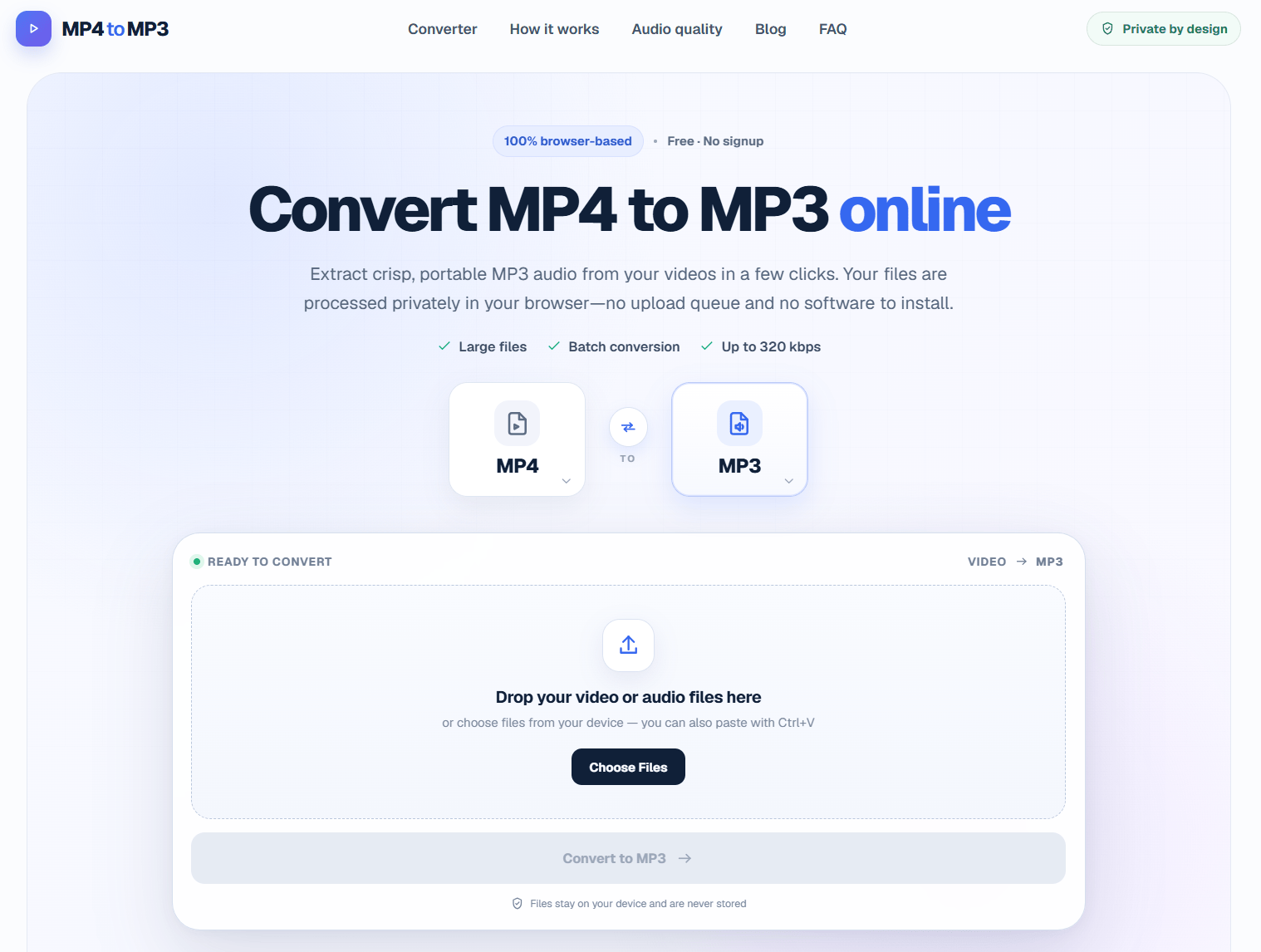
MP4toMP3 is a practical MP4 to MP3 converter for anyone who needs to convert video files into MP3 audio. It supports MP4 and browser-supported video files and is designed for music, podcasts, lectures, and offline listening. Users can get started in a few clicks, without complicated setup. Key capabilities include MP3 output up to 320 kbps, a simple browser workflow, and no watermark. Converts files locally in the browser, so videos are not uploaded to a server.
Select tools to compare (max 3):
| Feature |
MP4toMP3 ★
|
|---|---|
| Pricing Model | Free |
| Starting Price | Free |
| Free Tier | ✓ Yes |
| Verified Listing | ✕ No |
| Category | AI & ML |
| Platform | Web |
| Visit | Open → |
💡 Data sourced from tool listings and user reviews. Visit each tool's official website for the latest details. See all 16 alternatives →





Not sure MP4toMP3 is right for you? Browse the best alternatives in the AI & ML category — compare features, pricing, and reviews.




Looking for alternatives to MP4toMP3?
Explore 16 similar tools in the AI & ML category
